
Both sides of the call
Your microphone and the system audio land in one recording, sample-aligned. No second device, no browser extension, no bot joining the meeting.
For macOS
Lunir records your microphone and the voices of everyone in the call — Zoom, Meet, Teams, anything — transcribes it and translates in real time.
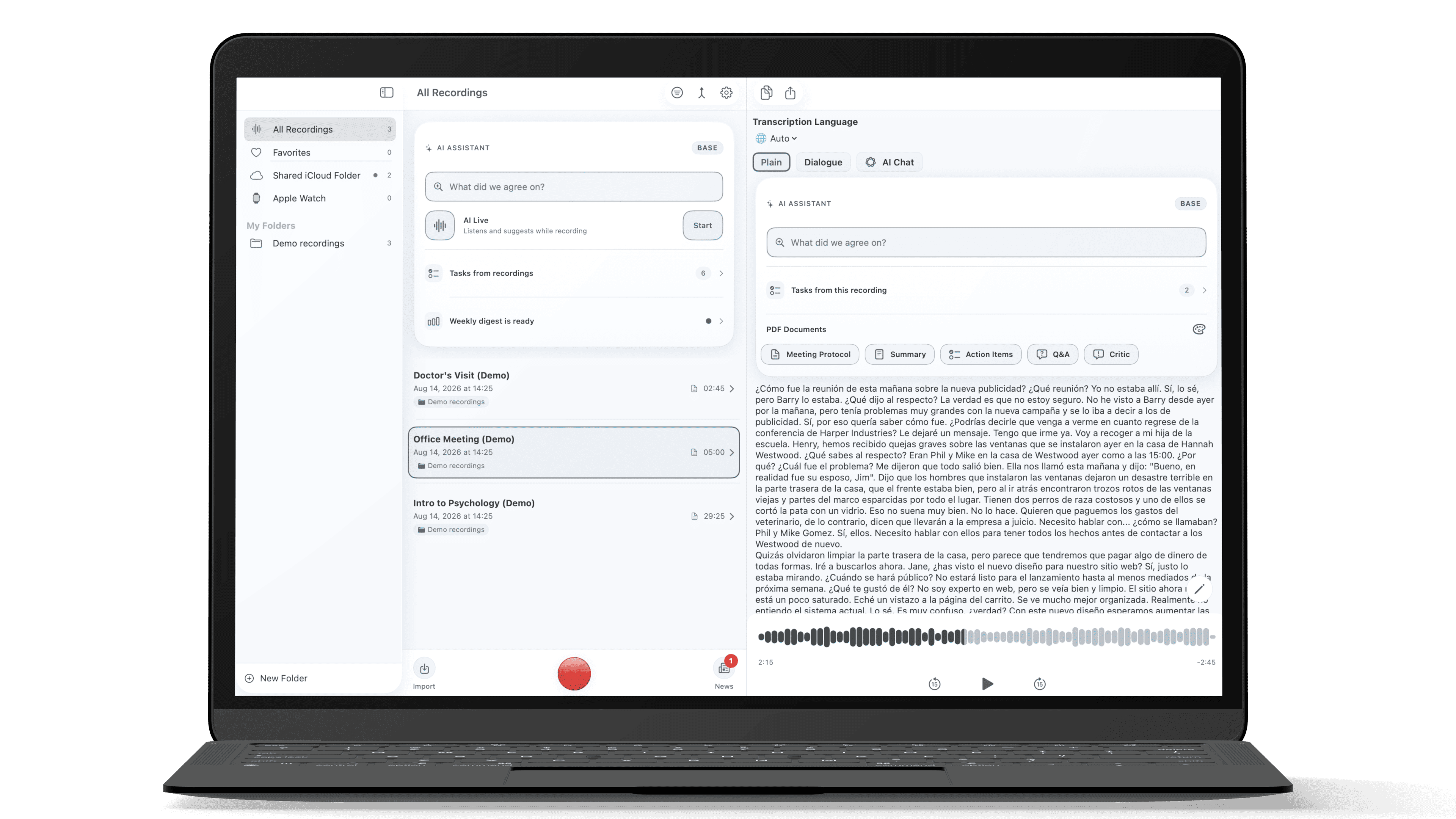
Capabilities
Your microphone and the system audio land in one recording, sample-aligned. No second device, no browser extension, no bot joining the meeting.
Speak your language, the other side hears yours translated. A virtual audio device feeds the translated speech back into Zoom or Meet as a microphone.
Semantic search across everything you ever recorded. Ask a question in plain words and get the answer with a link to the exact moment.
A short recap, the action items with names and dates, and a formatted PDF — generated from the recording, not typed by you afterwards.
Audio is written to disk as it is captured. A crash, a dead battery or a forced restart costs you the last seconds, not the meeting.
Installation
The installer is signed with a Developer ID and notarized by Apple. macOS asks for your administrator password — that prompt comes from the system, never from us.
On first launch macOS asks for microphone access, and for system audio the first time you record a call. Without them Lunir hears only silence.
The same account you use on iPhone and on the web. Hit Record — the transcript arrives once the meeting is over.
Good to know
Because of the audio driver. Feeding translated speech back into a call requires a virtual audio device installed system-wide, and App Review does not allow that. Distributing directly is the only way this feature can exist at all. The app is still signed and notarized by Apple, and macOS verifies it exactly as it verifies store apps.
The app checks for a newer version on its own and shows an update button in the toolbar when one is out. One click downloads it and hands it to the standard macOS installer.
It adds two devices — Lunir Speaker and Lunir Microphone — so a call can send audio to Lunir and receive translated speech back. Recording works without it. You can remove it any time from Settings; uninstalling the app alone leaves it in place.
Yes — one account across Mac, iPhone, Apple Watch and the browser. Recordings made on the Mac open on the phone, and the usage limit is shared.